


What if the cash envelope system could live on your phone—and work better?
Digital envelopes replace paper cash with budget categories inside apps or bank sub-accounts, so you still stop spending when a category hits zero.
You get real-time balances, automatic payday transfers, and alerts before you overspend.
If you want automation, use an app; if you want simple bank control, use sub-accounts. This post shows how to pick the right tool, set up categories, automate funding, and run shared budgets so you can start today.
Core Setup Steps for a Digital Cash Envelope System

Digital envelopes replace physical cash with virtual categories inside budgeting apps or bank sub-accounts. Instead of dividing cash into labeled envelopes, you assign dollar amounts to named categories like groceries, entertainment, dining out, gas, and savings. When the category balance hits zero, you stop spending there until the next funding cycle. The method works the same way as paper envelopes. You decide how much to spend, set the limit, and track every transaction. But everything happens on your phone or computer.
The system mirrors the discipline of physical envelopes without the drawbacks of carrying cash, making ATM trips, or losing envelopes. You see real-time updates after every purchase. You can automate transfers each payday, and you get alerts when a category runs low. For example, if you allocate $200 into a “Groceries” envelope at the start of the month, your app or bank sub-account will show exactly how much remains after each trip to the store.
Your workflow each payday follows a simple pattern: funds arrive, you move set amounts into each envelope, you spend from the correct category, and you watch the balances drop. When the balance reaches zero, you pause that category until your next paycheck. Here’s the five-step sequence to get started:
- Choose your digital tool. Pick a budgeting app, set up bank sub-accounts, or use a spreadsheet template that supports category tracking.
- Create your categories. List all spending areas where you need limits: groceries, entertainment, dining out, gas, personal care, subscriptions, and savings goals.
- Set up digital envelopes. Open a virtual envelope or sub-account for each category inside your chosen tool.
- Fund each envelope on payday. Transfer the planned amount into every envelope as soon as your paycheck arrives, so your budget is loaded and ready.
- Track transactions and monitor balances. Log every purchase under the correct envelope, check remaining balances daily or weekly, and set low-balance alerts to prevent overspending.
Choosing the Right Digital Tools for Envelope Budgeting
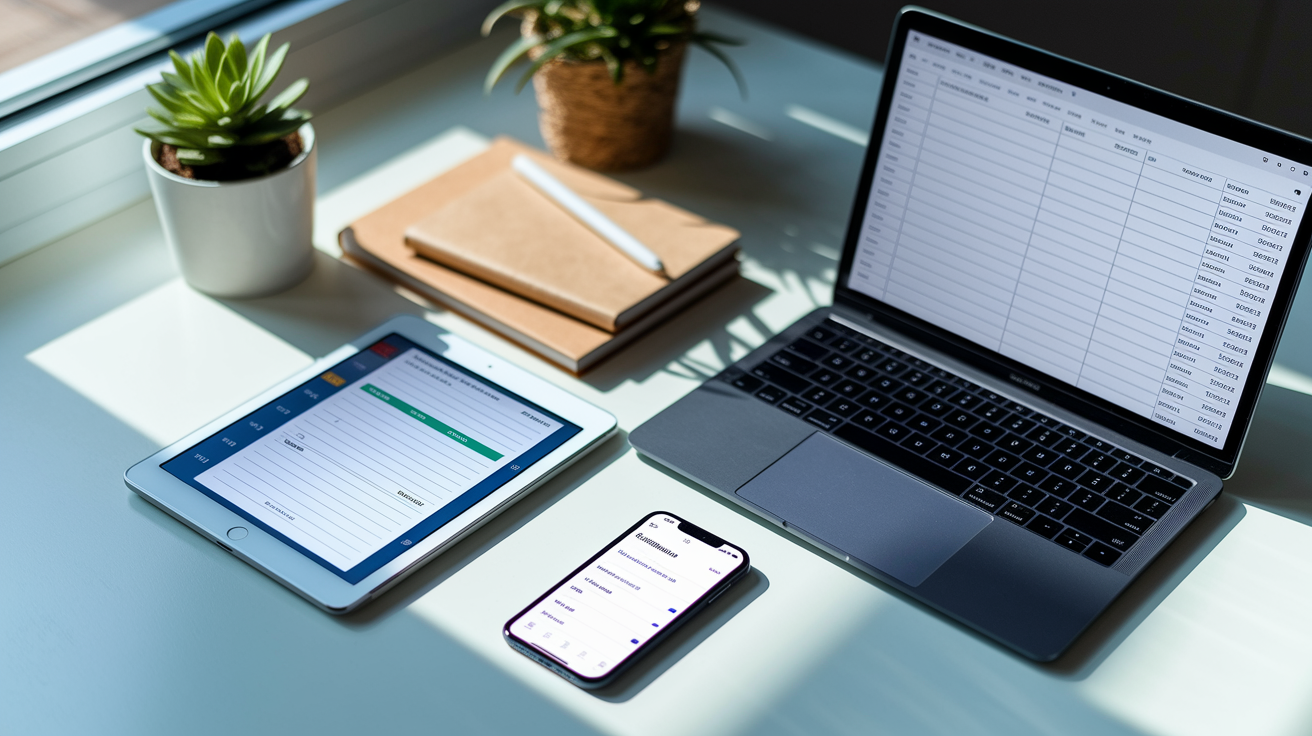
You’ve got three main options for running digital envelopes: dedicated budgeting apps, bank sub-accounts, and spreadsheet templates. Apps like GoodBudget, Simple, YNAB, and EveryDollar replicate the envelope method by letting you create named categories, set limits, and track spending in real time. Bank sub-accounts work similarly. You open multiple savings or checking buckets under one main account, name each bucket after a spending category, and transfer funds between them. Spreadsheets in Google Sheets or Excel let you build your own envelope system with columns for categories, starting balances, transactions, and running totals.
Apps offer automation and instant sync across devices. Bank sub-accounts give you direct visibility inside your existing banking app. Spreadsheets give you full customization if you prefer manual control.
When comparing tools, focus on features that match how you actually spend and track money. Some apps sync automatically with your bank to pull transactions, while others require manual entry. Some let you share budgets with a partner or family member. Some charge monthly fees while others are free. If you travel or use multiple devices, look for tools that sync across your phone, tablet, and computer without delays.
Evaluate digital envelope tools using these criteria:
- Envelope creation and naming. Can you add unlimited categories with custom names?
- Real-time sync and transaction import. Does the tool pull purchases automatically from your bank, or do you log them by hand?
- Automatic transfers and scheduling. Can you set recurring transfers each payday to fund envelopes without manual work?
- Joint access and shared budgets. Can a partner or family member view and edit the same envelopes on their own device?
- Pricing and subscription model. Is the tool free, or does it charge monthly or annual fees?
- Device sync and platform support. Does the tool work on iOS, Android, and web browsers with instant updates?
Setting Up Digital Envelope Categories and Allocation Rules
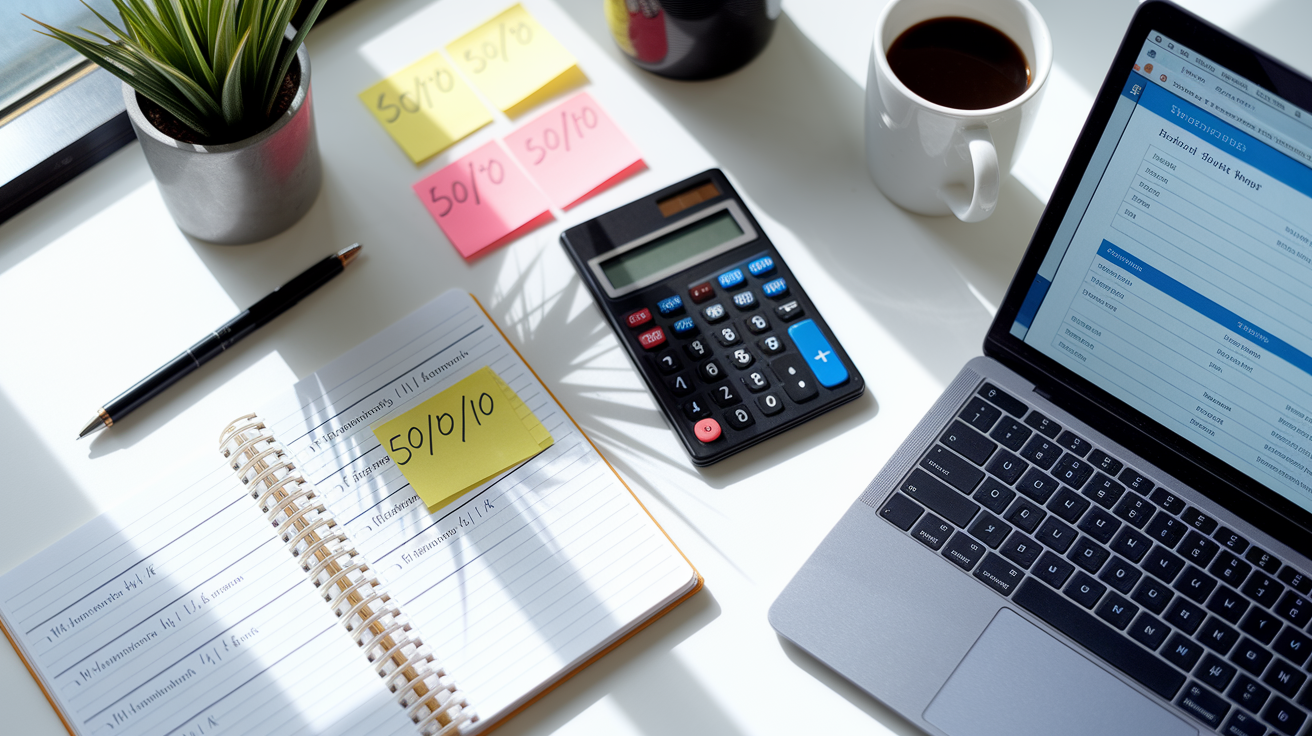
Start by listing every place you spend money in a typical month. Group purchases into clear categories that match how you think about spending. Groceries, dining out, entertainment, gas, utilities, subscriptions, personal care, and savings goals. Avoid making categories too narrow or too broad. “Food” is too vague because it hides whether you’re overspending at restaurants. “Groceries” and “Dining out” work better because you can see exactly where the money goes.
Add sinking funds for irregular expenses like car repairs, holiday gifts, or annual insurance premiums by treating them as separate envelopes that accumulate over time.
Once you have your categories, assign a realistic dollar amount to each one based on past spending or clear goals. If you spent an average of $450 on groceries last month but want to cut back, set the envelope at $400 and commit to staying under that limit. Transfer the planned amount into each envelope on payday. If you’re paid twice a month, split the monthly budget in half and fund envelopes every two weeks.
Zero-based budgeting works well here: assign every dollar a job until your entire paycheck is allocated across envelopes, savings, and bills. If you prefer a percentage rule, use a simple split like 50% needs, 30% wants, and 20% savings, then divide each portion into the relevant envelopes.
| Category | Example Amount | Funding Frequency |
|---|---|---|
| Groceries | $400/month | Every payday (split if paid biweekly) |
| Dining Out | $100/month | Every payday |
| Entertainment | $75/month | Every payday |
| Gas | $150/month | Every payday |
Funding, Tracking, and Reconciling Digital Envelopes
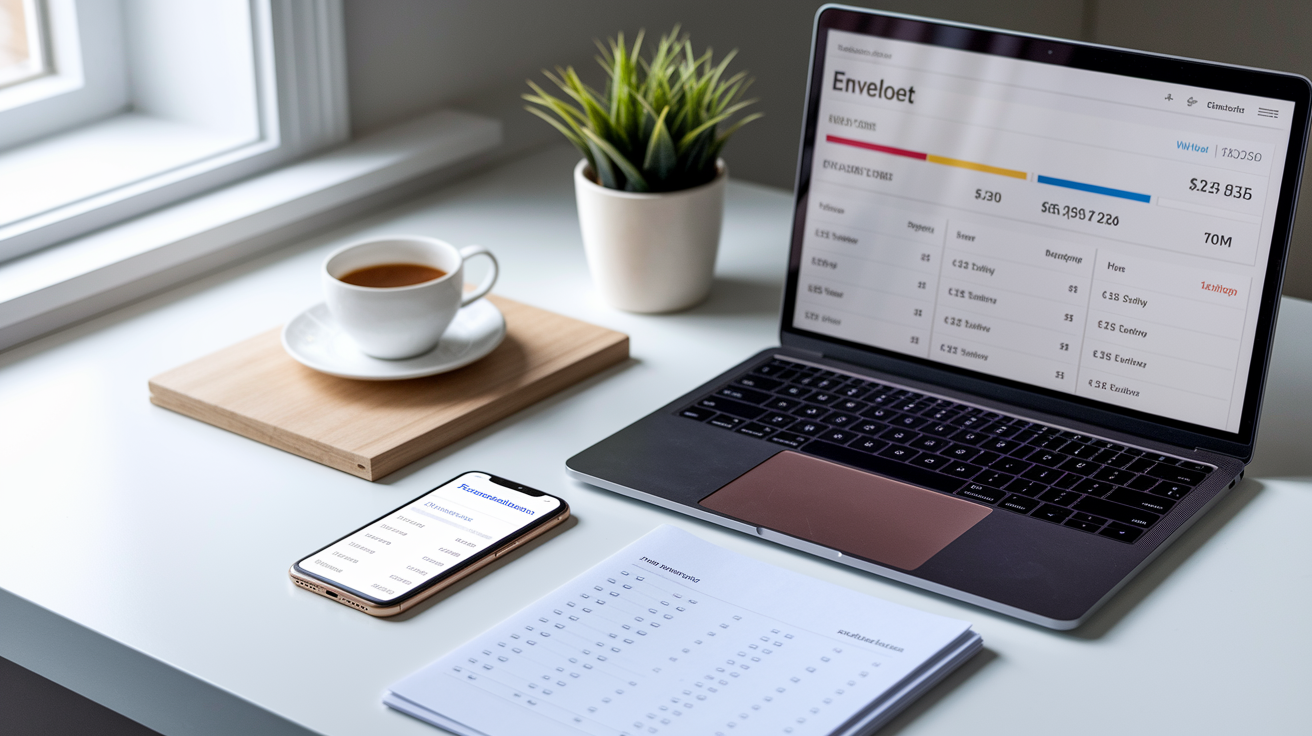
Fund your envelopes as soon as your paycheck hits your account. Most apps and bank sub-account systems let you set up automatic transfers that move a fixed amount into each envelope on the same day each month. If you’re paid biweekly, split your monthly envelope amounts in half and schedule two transfers per month. For example, if your groceries envelope gets $400 per month, transfer $200 on the first payday and $200 on the second. Automatic transfers remove the temptation to skip funding and keep your budget loaded without extra effort.
Track every purchase under the correct envelope immediately after you spend. Apps that sync with your bank will import transactions automatically, and you assign each one to the right category. Manual-entry tools require you to log the amount and category yourself. Check your envelope balances daily or weekly so you know what’s left before you spend again.
Set low-balance alerts. Most apps and banks let you choose a threshold, like $20 remaining, that triggers a notification. When an alert arrives, you know to slow down or pause spending in that category until the next funding cycle.
Reconcile your envelopes with your bank statement at least once a month to catch duplicate entries, missing transactions, or sync errors. Compare the total spent across all envelopes to the actual money leaving your checking account. If the numbers don’t match, review recent purchases and confirm every transaction landed in the correct envelope.
Common issues digital tools help you solve:
- Overspending in one envelope. Alerts warn you before the balance hits zero, and some apps block additional transactions or ask you to move money from another envelope.
- Transfer timing delays. Scheduled transfers fund envelopes on payday automatically, so you never forget or run out of time.
- Duplicate entries. Auto-sync tools flag potential duplicates when a transaction appears twice, and you can merge or delete the extra entry.
- Alert fatigue. Customize thresholds so you only get notifications when a balance is truly low, not after every small purchase.
- Missing receipts. Digital logs replace paper receipts, and many apps let you attach photos or notes to each transaction for reference.
Digital Envelope Workflows for Couples, Families, and Shared Budgets

Most envelope apps and bank platforms support shared access, so partners can view and manage the same budget in real time. Both people see the same envelope balances, track purchases from their own phones, and get notifications when categories run low. Shared access works best when you agree on category limits up front and decide who pays for what. One person might handle groceries while the other covers dining out and entertainment.
Schedule a quick weekly or biweekly check-in to review spending, adjust envelopes if needed, and confirm you’re both staying on track.
Families with kids can use small sub-accounts or prepaid cards to teach envelope budgeting early. Give each child a modest monthly envelope for personal spending, like $25 for snacks or entertainment, and let them decide how to use it. Parental controls in some apps let you approve purchases above a set limit or lock certain envelopes so kids can only spend from their assigned categories. Watching a balance drop to zero after a few impulse buys teaches real budget limits without the risk of overspending on a shared family card.
Here’s how to set up multi-user envelope workflows:
- Create shared logins or invite users. Most apps let you add a partner or family member by email. Both accounts sync to the same budget and see live updates.
- Assign permission levels and roles. Decide who can edit budgets, approve transfers, or simply view balances. Some tools offer role-based access so kids see only their own envelopes.
- Define role-based spending rules. Agree on which person or family member pays from which envelope to avoid duplicate purchases or confusion over who bought what.
- Schedule regular budget review routines. Set a recurring time each week or month to sit down together, check envelope balances, discuss overspending or underspending, and adjust limits for the next period.
Security and Privacy Essentials for Digital Envelope Systems

When you move your budget into apps or bank sub-accounts, your spending data lives on servers or in the cloud. Choose tools that encrypt data both in transit and at rest, so transaction details and balances stay private even if someone intercepts network traffic or accesses the server. Read the app’s privacy policy to confirm it doesn’t sell your spending patterns to advertisers or third parties. Limit app permissions on your phone. Budgeting tools don’t need access to your contacts, microphone, or location unless they provide a specific feature that requires it.
Protect your device with a strong passcode, biometric lock, or both, since anyone with physical access to your phone can open your budgeting app if it’s unlocked. Enable two-factor authentication on any app or bank account that supports it. Back up your envelope data regularly by exporting transaction histories and category balances to a CSV file or PDF. If the app shuts down or your account gets locked, you’ll still have a record of your spending and can rebuild your budget in a new tool without starting from scratch.
Key security and privacy steps:
- Use strong device security. Set a six-digit passcode or biometric lock, and never leave your phone or computer unlocked in public.
- Schedule regular backups. Export envelope data monthly or quarterly, and store the file in a secure cloud folder or external drive.
- Review app permissions quarterly. Check which apps can access your bank accounts, location, or contacts, and revoke permissions you no longer need.
- Export and archive transaction data. Download full transaction histories before switching tools or at year-end for tax records and long-term tracking.
Troubleshooting Common Problems in Digital Envelope Budgeting
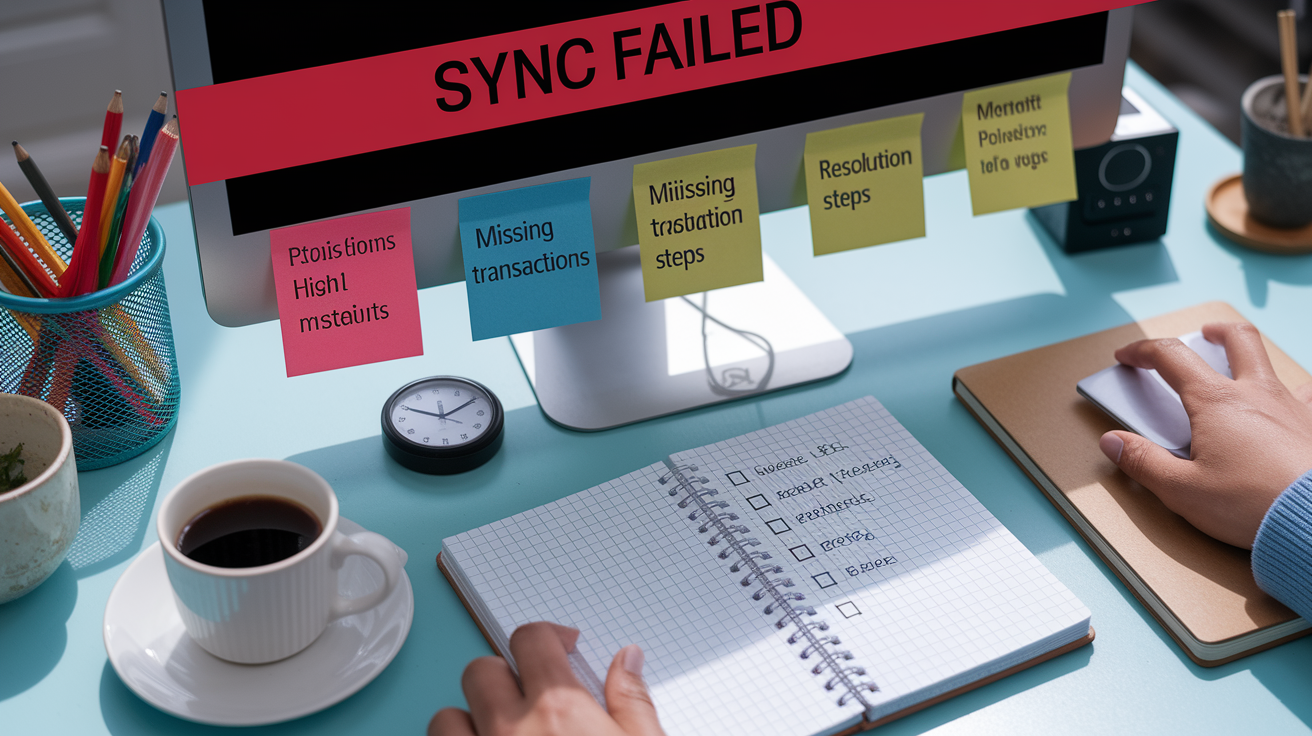
Sync errors happen when your app fails to pull new transactions from your bank, leaving envelope balances inaccurate. Usually the issue is a temporary connection problem or a required re-authentication after your bank updates its security. Log out and log back in, or disconnect and reconnect your bank account inside the app settings. If transactions still don’t appear, check your bank’s website to confirm the purchase posted and manually add it to the correct envelope until sync resumes.
Timing issues around transfers cause confusion when you fund an envelope on payday but the money doesn’t show up in the app for a day or two. Bank transfers often take one business day to clear, so schedule automatic transfers a day before you plan to spend from that envelope.
Overspending happens when you forget to check a balance before making a purchase. Set alerts at 25% remaining and 10% remaining so you get two warnings before hitting zero.
| Problem | Likely Cause | Fix |
|---|---|---|
| Transactions missing from envelope | Sync delay or connection error | Reconnect bank account, log out and back in, or manually add the transaction |
| Envelope shows wrong balance | Duplicate entry or uncategorized transaction | Review recent transactions, delete duplicates, and assign uncategorized items to correct envelope |
| Automatic transfer didn’t fund envelope | Insufficient funds in source account or transfer scheduled on weekend | Confirm source account balance, reschedule transfer for a weekday, and manually move funds if needed |
| Overspent in one envelope | Didn’t check balance before purchase | Move money from another envelope to cover the shortfall, or wait until next payday and reduce a different category |
| App stopped syncing with bank | Bank security update or expired login credentials | Re-enter bank login inside app settings, accept new terms if prompted, or contact app support |
Final Words
Get going. Set up categories, pick a tool, and move a fixed amount each payday.
We covered core setup steps (create envelopes, fund, track), choosing tools and templates, category allocation rules, funding and reconciling, shared workflows, security basics, and common fixes.
If you want one next step, pick your next payday and move one envelope’s money. Try moving $200 into groceries. Learning how to use cash envelope system digitally will cut overspending and make budgeting easier, and you’ll see progress in a few weeks.
FAQ
Q: How to do the envelope system digitally and how does a digital envelope work?
A: The envelope system digitally works by creating virtual envelopes (categories) in an app or sub-accounts, funding them each payday, and tracking spending with real-time balances and alerts to prevent overspending.
Q: How do you use the cash envelope system?
A: You use the cash envelope system by labeling envelopes for key categories, putting the assigned cash in each, spending only from that envelope, and refilling them on each payday to stay within limits.
Q: What is the main difference between cash envelopes and digital envelopes?
A: The main difference between cash envelopes and digital envelopes is cash enforces physical spending limits while digital envelopes replace cash with virtual buckets, adding automation, real-time balances, easier reconciliation, and low-balance alerts.